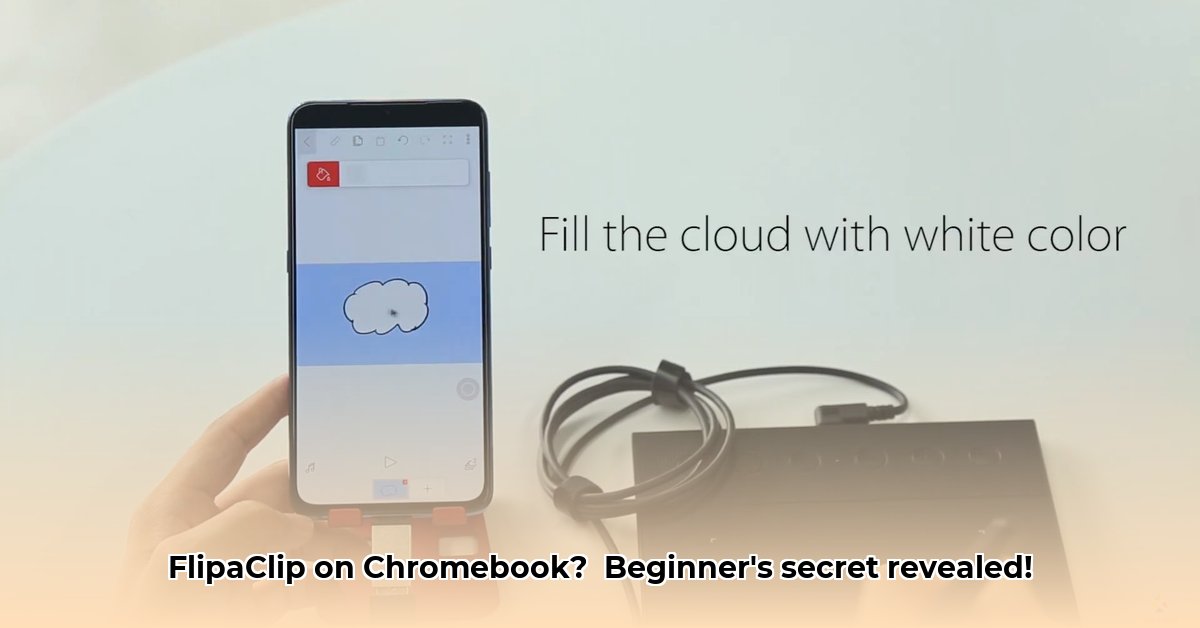
FlipaClip, a popular animation app available on Android and macOS, also finds a home on Chromebooks. While not perfectly optimized for every Chromebook, its user-friendly interface and powerful features make it a fantastic tool for both beginners and more experienced animators. This guide will walk you through the app's features, address potential Chromebook-specific issues, and provide tips for maximizing your animation workflow.
Getting Started with FlipaClip on Your Chromebook
FlipaClip, being an Android app, is easily installed from the Google Play Store. The installation process is identical to downloading any other Android app on your Chromebook. Once installed, launch the app and prepare to be amazed by its intuitive design. Even complete animation novices will find the interface approachable and easy to navigate. The app's primary function is frame-by-frame animation, making it simple to bring your drawings to life – one frame at a time, just like a flipbook!
Exploring FlipaClip's Key Features
FlipaClip offers a comprehensive array of tools designed to simplify the animation process. Let’s delve into some of its key features:
Layers: Think of layers as transparent sheets of paper stacked on top of each other. You can draw on each layer independently, ensuring that changes on one layer won't affect others. This is invaluable for creating complex animations with multiple elements. (Example: Animating a character walking across a detailed background.)
Frame-by-Frame Animation: This is the core of FlipaClip. You draw each individual frame, and the app smoothly plays them back to create the illusion of movement.
Onion Skinning: This feature displays faint outlines of your previous frames, allowing you to accurately align your drawings and create smoother animations. (Consider it a helpful guide that shows a ghost of your previous frame.)
Media Import: Enhance your animations by adding your own audio files (sound effects, music) and video clips. (This adds a personal touch and expands creative possibilities.)
Drawing Tools: FlipaClip provides a selection of customizable brushes, pens, and shapes to suit various artistic styles, from fine detail work to bold strokes.
Optimizing FlipaClip Performance on Your Chromebook
While FlipaClip functions on Chromebooks, performance can vary depending on your device's specifications. Older or less powerful Chromebooks may experience slowdowns. Here's how to optimize your experience:
Close Unnecessary Apps: Free up system resources by closing any applications you aren't actively using. This will dedicate more processing power to FlipaClip.
Restart Your Chromebook: A simple restart can often resolve minor glitches and improve overall performance.
Manage Storage: Ensure you have sufficient storage space available. A full hard drive will inevitably impact performance.
A more powerful Chromebook will naturally deliver a smoother, faster animation experience.
Comparing FlipaClip to Competitors
While other animation apps exist for ChromeOS, FlipaClip distinguishes itself with its exceptionally user-friendly interface and a robust feature set, especially considering its free-to-use aspects. Direct competitors offering comparable features are scarce. Although the app lacks advanced 3D animation capabilities, its straightforward layout and comprehensive range of 2D tools make it an attractive option for beginners and hobbyists.
FlipaClip: A Balanced Perspective - Pros and Cons
Let's summarize the advantages and disadvantages of using FlipaClip on your Chromebook:
Pros:
- Intuitive and user-friendly interface.
- Rich feature set for 2D animation.
- Cross-platform compatibility (Android, macOS).
- Free to use (with optional in-app purchases).
Cons:
- Performance may be impacted on low-powered Chromebooks.
- Lacks advanced features like 3D animation.
- Limited built-in options for direct monetization of creations.
Conclusion: Is FlipaClip Right for You?
FlipaClip offers an excellent entry point into the world of animation, especially on Chromebooks. Its ease of use combined with its robust features makes it ideal for beginners. While performance limitations might arise on older devices, simple optimization steps can often mitigate these issues. If you're seeking a user-friendly, feature-rich 2D animation app for your Chromebook, FlipaClip deserves serious consideration. Remember to experiment, practice, and let your creativity shine!
⭐⭐⭐⭐☆ (4.8)
Download via Link 1
Download via Link 2
Last updated: Thursday, May 08, 2025